
GTA 5 Enhanced vs Legacy: Which Version Should You Play?
GTA 5 Enhanced vs Legacy comes down to what your PC can handle and how you play. Enhanced adds newer graphics features, while Legacy has lower hardware requirements. Check your setup before downloading, especially if you play with friends or use mods.
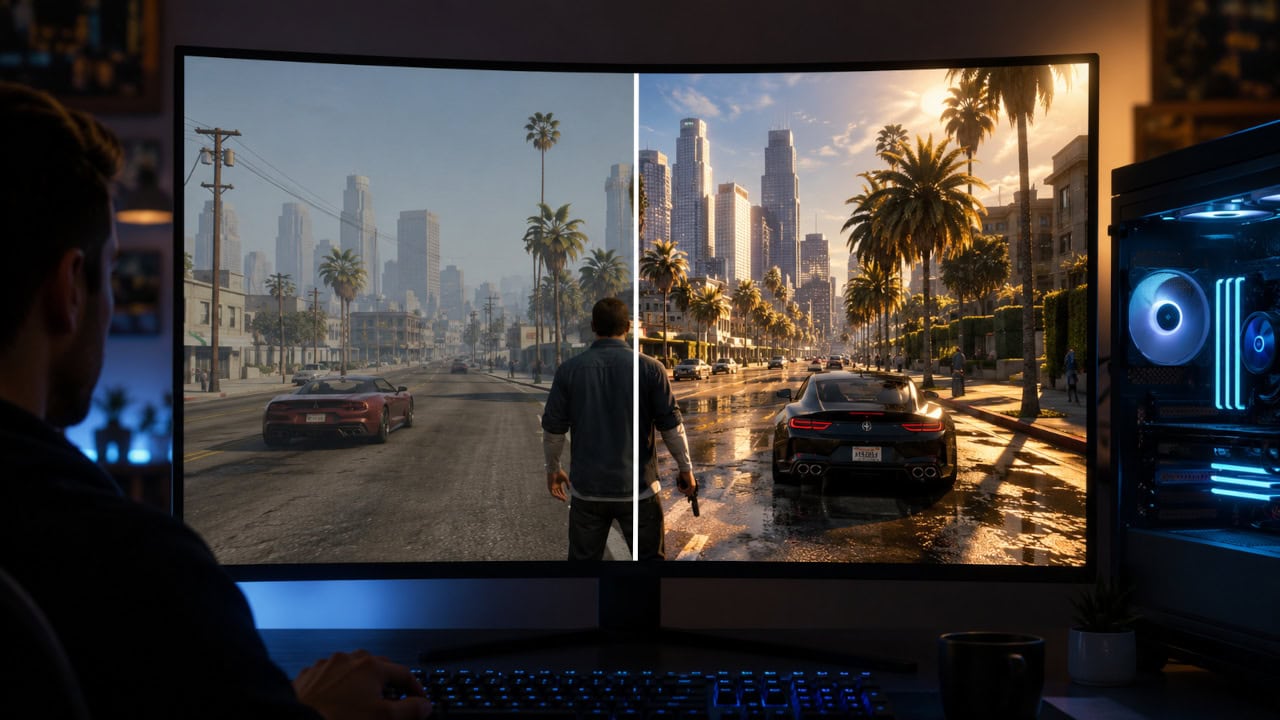
Choose the Right Version Before Downloading
- Older or low-end PC: Start with Legacy if your hardware falls below the Enhanced requirements. A smaller install does not mean a less demanding game.
- Modern PC, mainly single-player: Choose Enhanced for its graphics and loading improvements, provided your system meets the requirements.
- GTA Online with friends: Install the edition your group uses. Enhanced and Legacy players cannot share a session. See the multiplayer compatibility table.
- Mods or roleplay servers: Check your mod and FiveM requirements first. Keep a working Legacy setup until its dependencies support the move.
Which Version Is Better for a Low-End PC?
Legacy is the safer starting point when your PC is below Enhanced’s minimum requirements. Rockstar keeps the older PC edition available for that reason. If your machine already struggles with Legacy, do not assume the newer version will fix it. See Rockstar’s PC upgrade announcement.
For a PC close to Enhanced’s minimum, check the exact processor and graphics card models as well as memory and storage. Having 4GB of graphics memory alone does not establish that a card meets the requirement.
Compare the PC System Requirements
These are the minimums in Rockstar’s system requirements:
| Part | Legacy minimum | Enhanced minimum |
|---|---|---|
| OS | Windows 10, 64-bit | Windows 10, build 1909 or later |
| CPU | Core 2 Quad Q6600 or Phenom 9850 | Core i7-4770 or FX-9590 |
| RAM | 4GB RAM | 8GB RAM |
| GPU | GeForce 9800 GT 1GB or Radeon HD 4870 1GB | GeForce GTX 1630 4GB or Radeon RX 6400 4GB |
| Drive | 125GB on an HDD | 105GB on an SSD |
Enhanced’s recommended setup is a Core i5-9600K or Ryzen 5 3600, with 16GB of dual-channel RAM. Rockstar also lists an RTX 3060 8GB or RX 6600 XT 8GB, Windows 11, and a DirectStorage-compatible drive. These are hardware guidelines, not a promise of a particular frame rate.
Does Enhanced Run Better Than Legacy?
There is no single FPS result that applies to every PC. To choose between them on your machine, compare the settings you would actually use:
- Start with the same resolution and similar quality settings in both editions. Leave ray tracing, upscaling, and frame generation off for the first comparison.
- Replay the same Story Mode route or scene. Compare stutters and input feel as well as the FPS counter.
- Then try Enhanced’s extra features individually. Keep the settings that improve your experience without making play less responsive.
This is a practical comparison method, not a claim that we benchmarked your hardware. If the game crashes or will not launch, use our GTA V fix guide before judging its performance.
Single-Player and Graphics Differences
Both editions contain the same core Story Mode campaign with Michael, Franklin, and Trevor. Enhanced improves its presentation; it does not add a different main story. Rockstar’s edition and feature details describe the campaign and the newer PC features.
| Feature | Legacy | Enhanced |
|---|---|---|
| Lighting and reflections | Original PC graphics options | Adds ray-traced shadows, reflections, ambient occlusion, and global illumination |
| Upscaling | Original rendering options | AMD FSR and NVIDIA DLSS support |
| Loading | Original storage path | SSD and DirectStorage improvements on supported systems |
| Controls and sound | Original PC support | Adds DualSense adaptive triggers and Dolby Atmos support with compatible hardware |
Rockstar also lists expanded support for high resolutions, aspect ratios, and frame rates in its technical enhancement overview. That does not mean Legacy is limited to 60 FPS or that every Enhanced setting works on every GPU.
For an unmodded Story Mode playthrough, favor the edition that holds your preferred settings smoothly. The GTA Online extras below should not decide a purchase made only for single-player.
Can Enhanced and Legacy Players Play Together?
No. The two PC editions use separate GTA Online sessions. Owning both editions or linking the same Rockstar Games account does not connect those sessions. Rockstar states this in its PC version compatibility guidance.
| Players | Can join the same GTA Online session? |
|---|---|
| PC Enhanced and PC Enhanced | Yes, including different PC stores |
| PC Legacy and PC Legacy | Yes, including different PC stores |
| PC Enhanced and PC Legacy | No |
| Either PC edition and PlayStation or Xbox consoles | No |
Steam, Epic, Rockstar Games Launcher, and the Xbox app on PC are storefronts for PC play. The Xbox app does not put you in the Xbox console player pool. Rockstar explains this in its PC cross-network play guidance.
What Enhanced Adds to GTA Online
Enhanced brings Hao’s Special Works vehicles and upgrades to PC, along with Career Progress and Career Builder. It also adds ambient animals, the Wildlife Photography Challenge, and access to the paid GTA+ membership. These are Online features, separate from the Story Mode campaign. See Rockstar’s Online upgrade details.
Download Size and Installing Both Versions
You can install Enhanced without keeping Legacy installed. They are separate applications. Existing PC owners received the upgrade free, and the Rockstar PC purchase includes both editions. Install both only if you want to compare them or need each for a different group or mod setup.
The storage figures above are required drive space, not exact download sizes. Enhanced’s listed 105GB is 20GB less than Legacy’s 125GB, but Enhanced specifically requires an SSD. Allow room for both installations if you intend to switch between them, and check your launcher’s current space requirement before starting.
Rockstar does not explain the full size difference on its requirements page. A smaller installation is not evidence that Enhanced has less Story Mode content. Avoid choosing an edition based on download size alone.
Keep Legacy available until you finish any save transfer you want to make.
Mods and FiveM Compatibility
Choose the edition supported by your actual mods, not by a blanket claim that one version is best for modding. Check each mod’s game edition, required loader, and supported patch before changing a working installation.
For example, Script Hook V’s download page lists supported game patches and explains that its runtime may need an update after the game changes. It is for single-player script plugins and does not work in GTA Online. A compatible loader also does not prove that every plugin using it supports your edition.
FiveM is a separate check. The official FiveM website now offers an Enhanced client in early access as well as Legacy. Each requires the matching GTA V edition. Before downloading, follow your server’s instructions for the client and supported resources. Advice that FiveM only works with Legacy is no longer current.
Moving Your Saves and Online Profile
How Story Mode Save Migration Works
Sign into the Rockstar Games account linked to the PC platform you use, then follow the Story Mode migration guide:
- In Legacy, open Pause Menu > Game > Upload Save Game.
- Select the save you want to move and wait for the upload confirmation.
- In Enhanced, download it from the Story landing page or Pause Menu > Game > Download Save Game.
Only one save can be uploaded per account. You can replace that upload until you download it in Enhanced. After a successful download, no further Story Mode migrations are available on that account. Later Legacy progress does not sync across, and an uploaded save is available for 90 days.
How GTA Online Profile Migration Works
Start from Enhanced’s Online landing page or Pause Menu > Online > Migrate Profile. Your Legacy profile stays available, but both profiles progress separately afterward. This transfer is within PC; it does not move a console profile to PC. Some accounts are ineligible, so read the Online profile migration guide before confirming.
If you have already played Online in Enhanced, start migration through the Pause Menu. Review the character choices carefully: Rockstar warns that choosing to continue with a new character overwrites that character slot.
Related posts
Cyberpunk 2077 Patch History: The Updates That Fixed the Game
See which Cyberpunk updates repaired the launch problems, rebuilt the RPG systems, changed mod compatibility, and still matter to returning players.